
8 best BIM collaboration software systems for construction teams
Choosing the best BIM collaboration software starts with understanding how your teams need to work together. A design team coordinating multidisciplinary models has different requirements from a project manager controlling drawings, a contractor resolving issues on site or an asset owner preparing information for operations.
That is why there is no single type of BIM collaboration software that is best for every organisation. The right system depends on whether you need model coordination, a Common Data Environment (CDE), issue tracking, document control, field collaboration or lifecycle asset data management.
This guide does not intend to rank individual software vendors. Instead, it describes eight types of software and capabilities that support BIM collaboration, what each is designed to do, and where it fits within a connected project workflow.
What is BIM collaboration software?
BIM collaboration software helps project participants work together around building information models and the information connected to them. Depending on the system, this can include model coordination, issue tracking, document control and collaboration between design, construction and asset teams.
Different systems serve different purposes. A Common Data Environment (CDE) provides a controlled space for project information, while model coordination tools bring multidisciplinary models together for review. OpenBIM standards and formats such as IFC and BIM Collaboration Format (BCF) can also help teams exchange information across different applications.
For projects following ISO 19650, BIM collaboration software can support structured information management, including controlled versions, reviews and approvals. The right solution therefore depends on the workflow and information your teams need to manage.
BIM collaboration software systems at a glance
Before assessing individual capabilities, it helps to separate BIM collaboration into the problems each type of system is intended to solve. Some categories overlap, and mature workflows often use several together.
| BIM collaboration system | Best for | Main users | Key capabilities |
|---|---|---|---|
Common Data Environment systems | Controlled project information | Information managers, project managers, owners, contractors | Document control, versioning, approvals, workflows and audit trails |
Model coordination and federation systems | Multidisciplinary BIM collaboration | BIM coordinators, designers, engineers, project teams | Model federation, 3D review, model navigation and coordination |
Clash detection and model checking systems | Design assurance | BIM/VDC managers, coordinators and specialist planners | Clash detection, model validation, rule-based checking and reporting |
BIM issue management systems | Coordinating and resolving model issues | BIM coordinators, designers, contractors | BCF issues, assignments, viewpoints, comments and status tracking |
Model authoring and co-authoring systems | Creating and developing BIM models | Architects, engineers and designers | Model creation, editing and discipline-specific authoring |
Drawing and document control systems | Managing controlled project records | Project managers, document controllers and contractors | Drawing management, revision control, reviews and approvals |
Field workflow and collaboration systems | Connecting project information with site activity | Site managers, contractors, inspectors and QSHE teams | Mobile workflows, inspections, forms, tasks and field evidence |
Handover and asset information systems | Moving BIM and asset information into operations | Owners, operators, asset and information managers | Asset data validation, handover, asset records and lifecycle information |
8 best types of BIM collaboration software systems
Rather than asking which application has the longest feature list, assess where each system sits within your information workflow. The following eight categories address different collaboration needs.
1. Common Data Environment systems
A Common Data Environment provides the controlled information foundation around which many BIM processes operate. It is particularly important on projects involving multiple organisations, large document volumes and formal review processes.
A CDE can centralise project documents and models while applying metadata, naming conventions, version control and structured review and approval workflows. It also gives teams a traceable record of changes, approvals and information exchanges.
Thinkproject NextGen CDE, for example, is designed as a governed environment for documents, communications and workflows. It supports configurable file structures, version control, review and approval processes, role-based access and audit trails, with information management aligned with ISO 19650 principles.
2. Model coordination and federation systems
When several disciplines contribute models to the same project, teams need a way to see them together. Model federation systems combine these models into a coordinated view without requiring every participant to work in the original authoring applications.
This makes model coordination more accessible to project managers, engineers, contractors and other stakeholders who need to understand the design but may not create models themselves.
Thinkproject VDC COLLABORATION provides browser-based access to federated multidisciplinary models, including model viewing, clash detection, object properties, search, filtering, measurements and section cuts. It also connects model review with BCF-based issue management and coordination workflows.
3. Clash detection and model checking systems
Visual coordination can reveal many problems, but complex projects also need systematic checks.
Clash detection software identifies geometric conflicts between model elements. Model checking goes further by assessing model geometry or information against defined requirements and rules. Both can help teams find problems before they affect construction.
Thinkproject VDC MANAGER is an expert desktop application for BIM and VDC specialists. It supports information and geometry validation, configurable validation rules and clash detection across disciplines. It can also connect BIM data with schedules for 4D simulations and support quantity take-offs and bill of quantities workflows for 5D use cases.
VDC MANAGER 4.2 also supports IDS-based model checking, enabling IFC models to be validated against defined Information Delivery Specifications and helping BIM teams identify information quality issues earlier.
4. BIM issue management systems
Finding an issue is only the first step. Someone needs to understand it, take responsibility for it and confirm when it has been resolved.
BIM issue management systems create a structured workflow around that process. Issues can be connected to model viewpoints, assigned to participants and tracked through defined statuses.
BCF is particularly useful here because it allows issue information, comments and viewpoints to move between compatible BIM applications without requiring teams to exchange an entire model simply to communicate an issue.
Thinkproject’s VDC COLLABORATION manages BCF issues throughout their lifecycle, including assignment, discussions, filtering, status workflows and viewpoint-based context. It also supports BCF import and export, as well as bidirectional issue synchronisation with VDC MANAGER.
This makes issue management an important bridge between identifying a coordination problem and getting it resolved.
5. Model authoring and co-authoring systems
Collaboration ultimately depends on the models being created in the first place. Model authoring systems give architects, engineers and specialist designers the tools to create and develop discipline-specific BIM models.
These applications serve a different purpose from coordination platforms. Authoring environments focus on producing model information, while collaboration and coordination systems make that information easier to review across disciplines and organisations.
For that reason, many organisations need both rather than choosing one or the other. An open approach can also be important when project participants use different authoring tools.
Thinkproject’s VDC MANAGER is not a BIM authoring application, but complements authoring environments by providing expert workflows for model validation, coordination, 4D/5D analysis and automation, with support for Open BIM exchange through standards such as IFC and BCF.
Understanding this distinction is also useful when considering BIM vs VDC. BIM provides the information-rich models, while VDC applies digital information and processes more broadly to planning and delivery.
6. Drawing and document control systems
BIM does not remove the need to manage drawings and documents. Construction projects still rely on specifications, reports, certificates, correspondence, drawings and many other controlled records alongside models.
Document control systems help ensure teams can identify the correct revision and understand its status. Effective construction collaboration software should also make review, approval and communication processes traceable.
Thinkproject’s CDE approach supports centralised project documents and models, full document histories, integrated mark-ups and redlining for 2D documents, and configurable approval workflows.
The value is straightforward: model collaboration and document governance should reinforce each other rather than creating parallel sources of information.
7. Field workflow and collaboration systems
A coordinated model has limited value if important information cannot reach the people executing work on site.
Field workflow systems connect digital project processes with inspections, quality checks, safety workflows and other site activities. Mobile access is particularly important because field teams need to capture information where work takes place.
Thinkproject FIELD MANAGER is designed around configurable field workflows, including forms, inspections, checklists, approvals, assignments and follow-up tasks. Its mobile applications support online and offline use, helping site teams capture information even where network connectivity is limited.
FIELD MANAGER should be considered a complementary field workflow solution rather than a direct extension of BIM model coordination. For organisations assessing their wider digital delivery environment, the key question is how field processes can be standardised and governed alongside project information. More consistent field workflows can improve traceability and reduce delays caused by fragmented processes between site and office teams.
8. Handover and asset information systems
BIM collaboration should not necessarily end when construction does. Owners and operators need reliable information about the assets they inherit.
Handover systems provide a structured way to define information requirements, collect asset data and supporting documents, validate completeness and monitor readiness throughout delivery.
Thinkproject HANDOVER supports this continuous approach by enabling teams to define asset information requirements, validate asset records and link documents such as manuals, certificates and as-built information. Validated datasets can then be transferred into operational systems.
For asset owners, this helps maintain information continuity from project delivery into handover and operations rather than treating handover as a one-off activity at project close.
How to choose the right BIM collaboration software system
The best system is the one that addresses your actual information and collaboration problems. Before comparing individual products, map the workflow you need to support and identify where information currently becomes fragmented, delayed or difficult to control.
Use this checklist when assessing your requirements:
- Define your primary use case. Do you need document control, model federation, clash detection, issue management, field workflows or asset information management?
- Identify who needs access. Consider designers, BIM coordinators, contractors, project managers, owners, operators and non-BIM specialists.
- Check interoperability. If teams use different tools, assess support for relevant open standards and formats such as IFC and BCF.
- Assess information governance. Determine how versions, approvals, permissions and audit trails will be controlled.
- Consider ISO 19650 requirements. If your organisation follows ISO 19650 processes, make sure the information management approach can support them.
- Look beyond the design phase. Consider how information will move into construction, handover and operations.
- Review field requirements. Mobile and offline capabilities may be important for teams working across construction sites or infrastructure assets.
- Consider integration. Identify which document, model, contract, asset and enterprise systems need to exchange or connect information.
- Plan for scale. A workflow that works for one project may need stronger governance when deployed across a programme or portfolio.
- Prioritise usability. Collaboration only improves when the people who need the system can use it effectively.
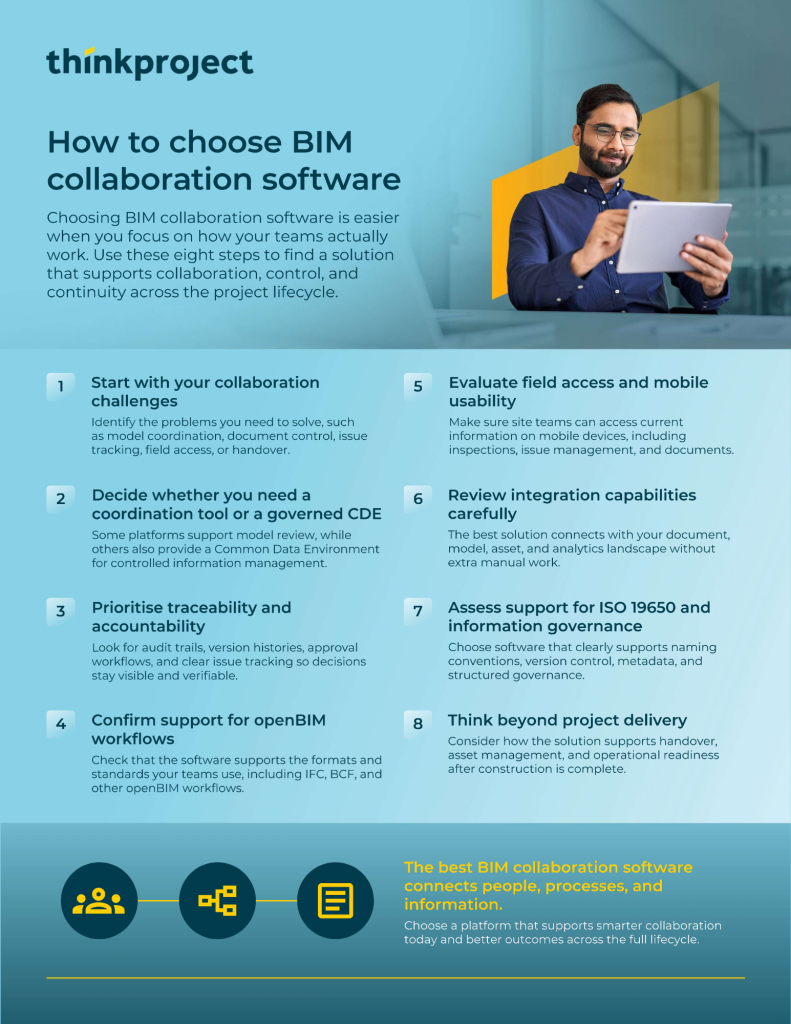
The aim is not to buy every capability at once. A connected platform approach can allow organisations to start with a priority workflow and expand as their information management needs develop.
The best BIM collaboration software depends on the system you need
There is no single best BIM collaboration software for every team. The right choice depends on what you need to achieve:
- A CDE is suited to controlled information and document management.
- Model coordination and clash detection tools help teams review designs and identify problems earlier.
- Issue management supports clear ownership and resolution, while field collaboration connects project information with work on site.
- Field workflow solutions help standardise inspections, QSHE processes and site activities.
- For asset owners, handover and asset information systems help carry reliable data into operations.
These needs often overlap at an information-management level, even where the individual software solutions are not directly integrated. A model issue may link to a document, while field observations and asset records form part of the wider project and asset information landscape.
The objective is therefore not necessarily to put every workflow into one application. It is to create greater consistency, governance and continuity across the information used throughout the built asset lifecycle.
For teams evaluating the best BIM collaboration software, that leads to a more useful question: what information do our people need to coordinate, control and carry forward across the built asset lifecycle?
Understanding that requirement makes it easier to select the right combination of BIM capabilities and build a collaboration environment that supports both today’s project and tomorrow’s asset.
The Thinkproject Platform connects solutions and information across delivery, handover and operations through shared access, governance and built asset context, while allowing organisations to adopt capabilities progressively.
Explore Thinkproject’s BIM solution to see how connected BIM and VDC workflows can support collaboration across construction and infrastructure projects.
More resources
-
Blog
CDE
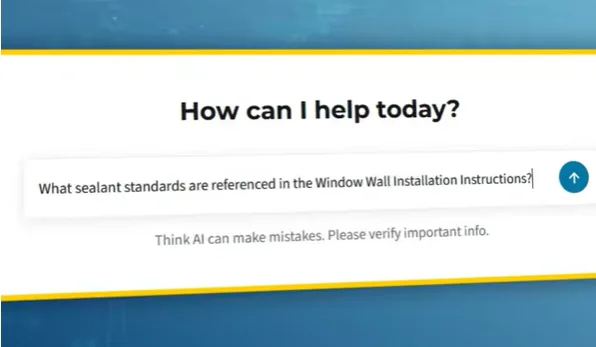
AI Search in NextGen CDE: How Thinkproject AI turns governed construction data into confirmed answers
Read moreDiscover how AI search in a NextGen CDE helps construction teams find current, approved project information while preserving permissions and control.
-
Blog

Digitalization
Construction business intelligence: Turning data into better decisions
Read moreLearn how construction business intelligence connects project data, improves reporting and supports better decisions across the asset lifecycle.
-
Blog

Contracts
Best construction contract management software: 11 features to look for
Read moreCompare the key features to look for in construction contract management software, from NEC, JCT and FIDIC workflows to audit trails and risk control.
-
Event

Built Asset Lifecycle Platform
Thinkproject Live London 2026
Register nowDiscover how AI and connected data are helping teams reduce risk, improve control, and make faster, smarter decisions across the project lifecycle.
-
Event

Built Asset Lifecycle Platform
Thinkproject Live Events 2026
Read moreJoin construction, infrastructure, and asset management leaders for a day focused on the future of project and asset delivery.
-
Blog
Contracts
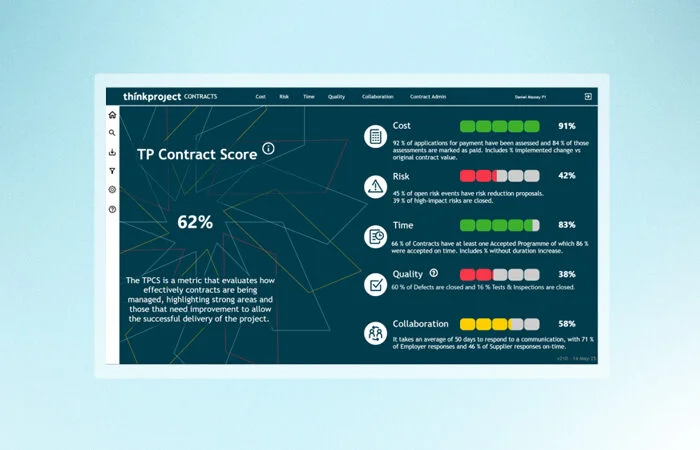
JCT contract types: Choosing and managing the right contract
Read moreCompare the main JCT contract types, understand construction management contracts and learn how to choose and administer the right form.
-
Blog

Built Asset Lifecycle Platform
AI in construction: Uses, benefits and real-world examples
Read moreExplore how AI in construction improves planning, safety, project controls, handover and asset performance across the built asset lifecycle.
-
Blog
Health & Safety
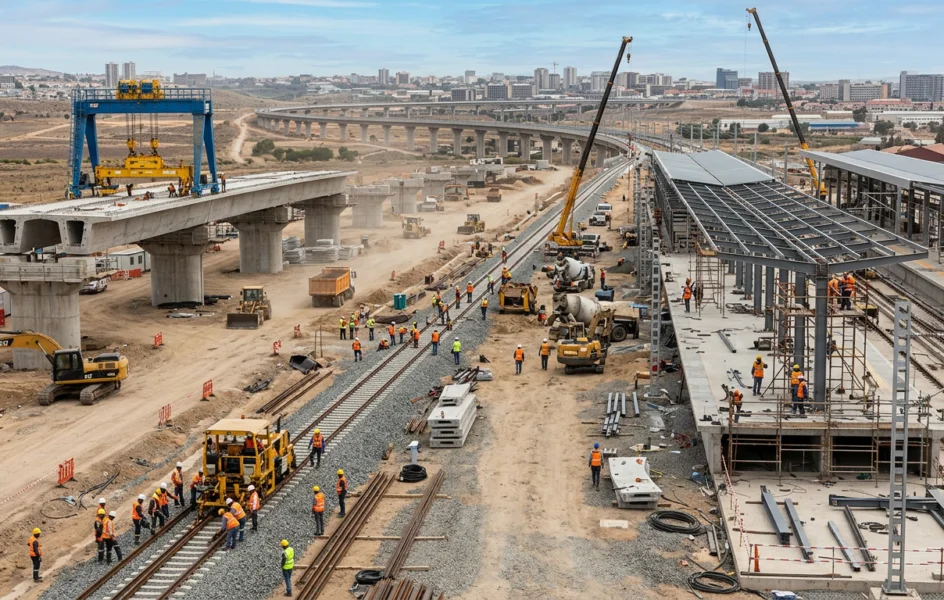
Construction risk management: How to identify, assess and control project risks
Read moreLearn how to identify, assess and control construction risks across cost, safety, contracts, programmes and project information.
-
Blog
Digitalization
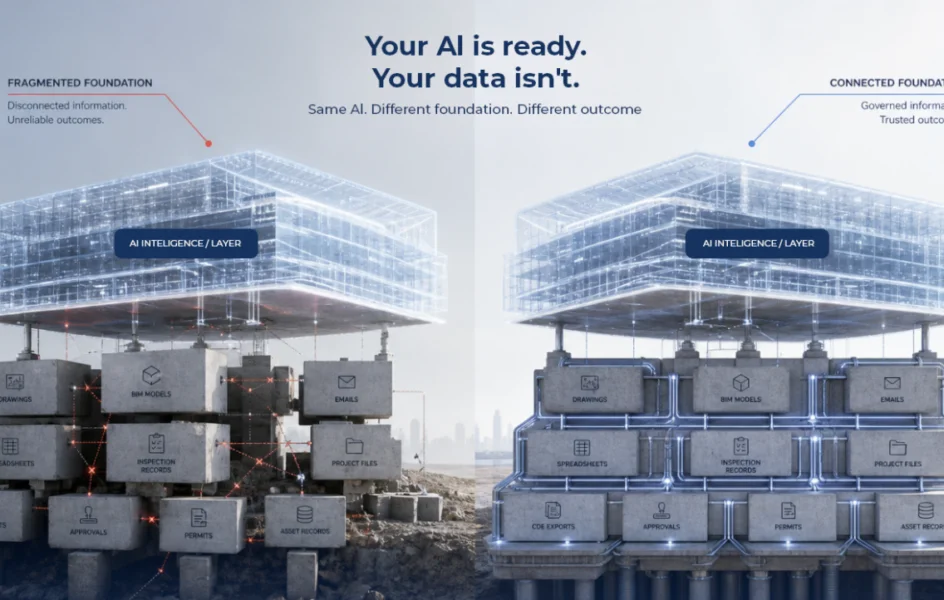
Your AI is ready. Your data isn’t.
Read moreAI is exposing a deeper problem in construction: fragmented project data. See why connected, governed information is the foundation for reliable AI.